

Documentation Index
Fetch the complete documentation index at: https://docs.rork.com/llms.txt
Use this file to discover all available pages before exploring further.
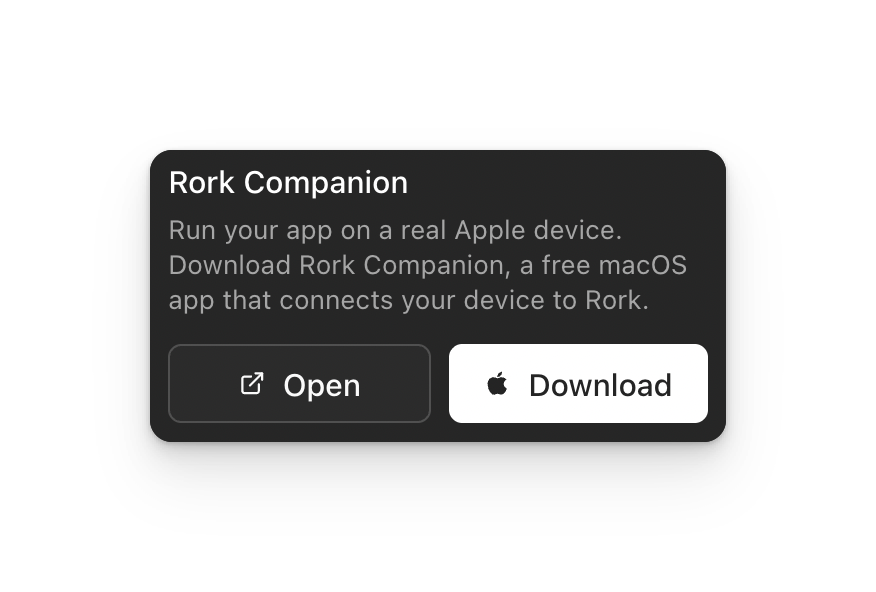
First, download the Rork Companion app
Second, sign in to your Apple and Rork account
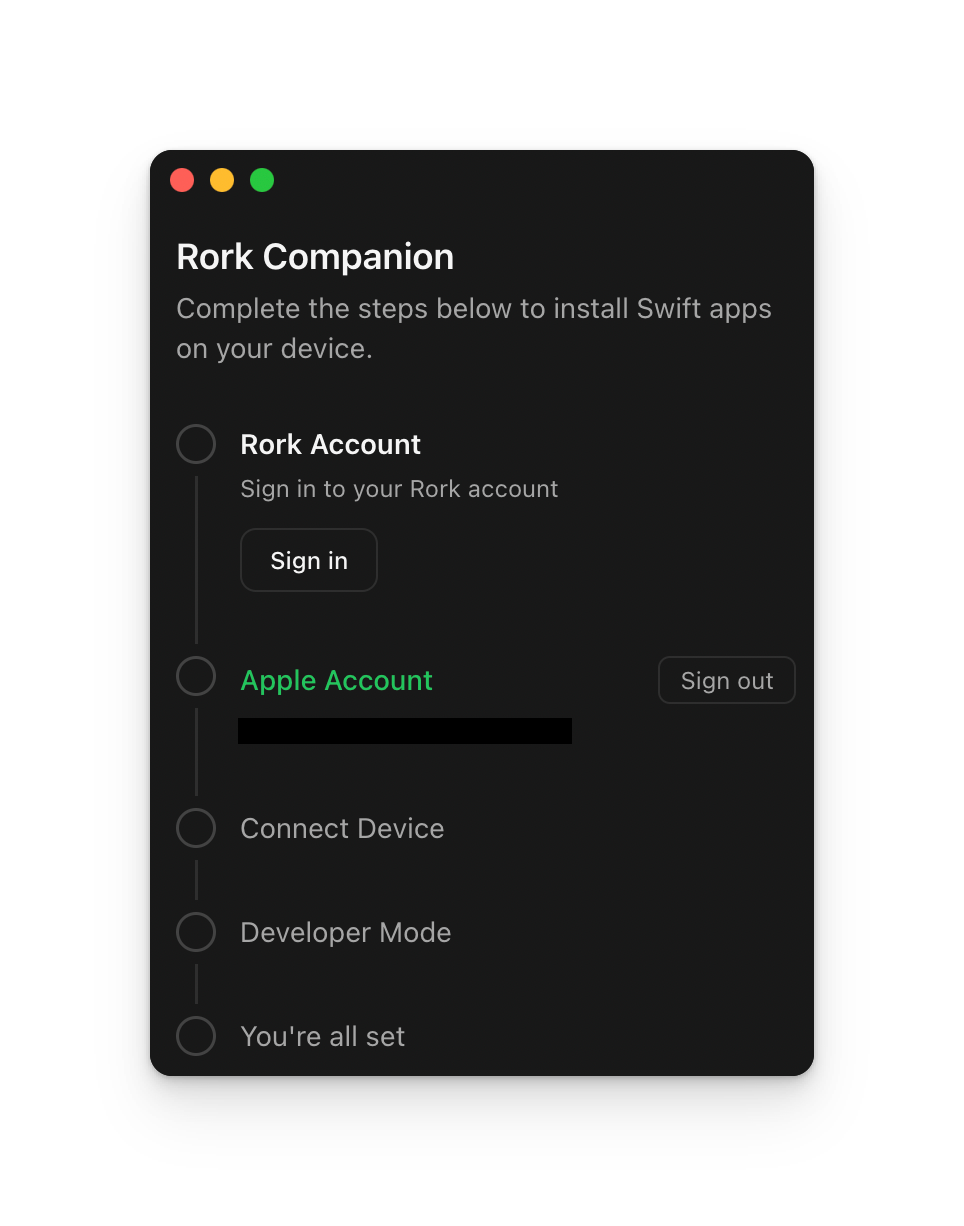
Third, plug your iPhone into your MacBook (MacOS 26 required) and enable Developer Mode
Go to Privacy & Security —> Turn on Developer modeFourth, click run on your device, and your iPhone should appear!
